







BluOS · HEOS · MusicCast · Dirac

Control your HiFi system from the desktop.

One Windows app for every BluOS, HEOS, and MusicCast device on your network.
A toolbox with global hotkeys, Dirac presets, and multi-room control.

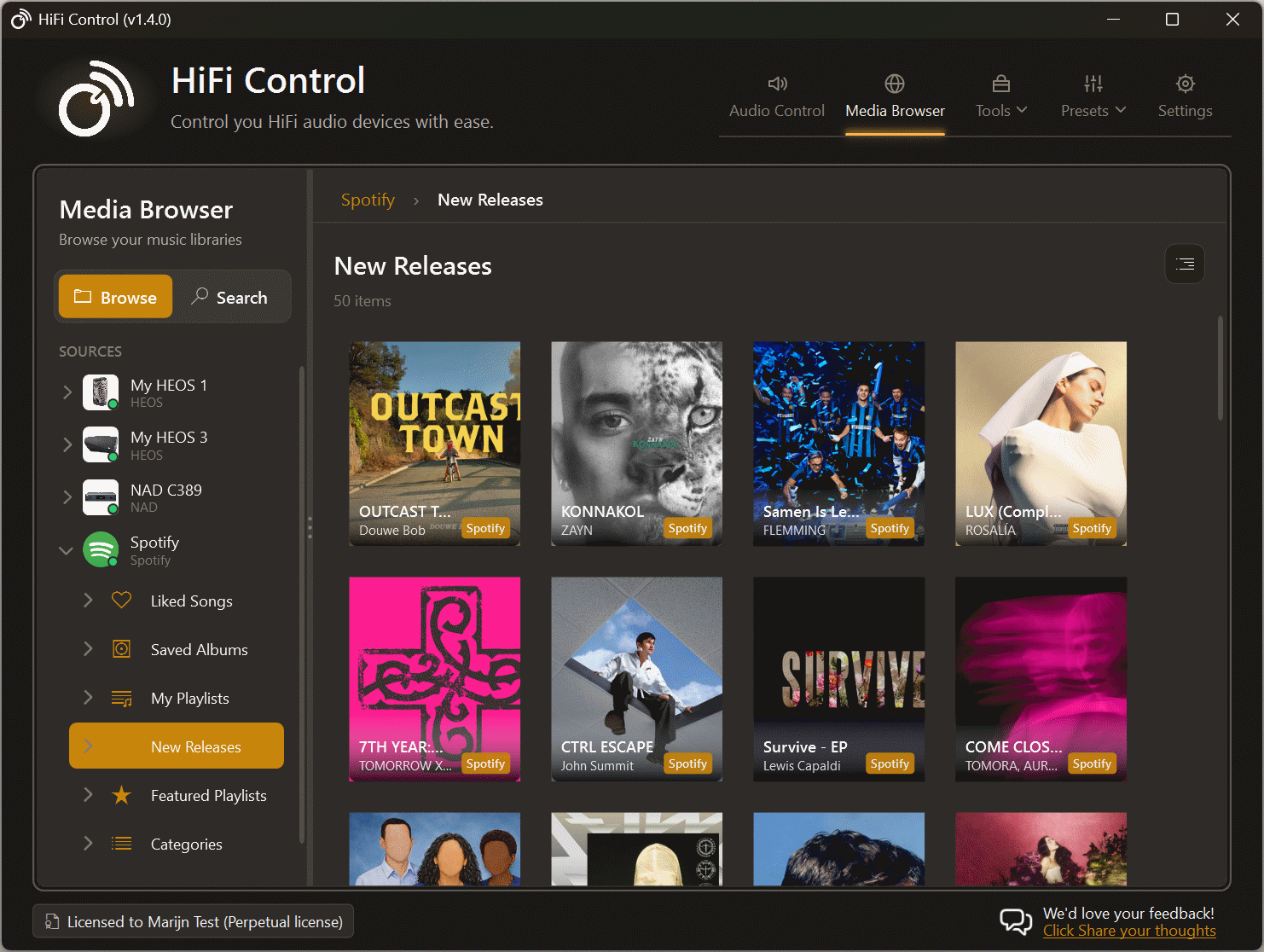
HiFi Control main interface, dark theme
Compatible with
NADBluesoundDALIMonitor AudioRoksanCyrus AudioHEOSDenonMarantzMusicCastYamaha
Features

Feature overview

Adjust the volume, switch inputs, and play your music without reaching for the remote. These are just the basics...

New in v1.6.0

See your whole hi-fi system come alive

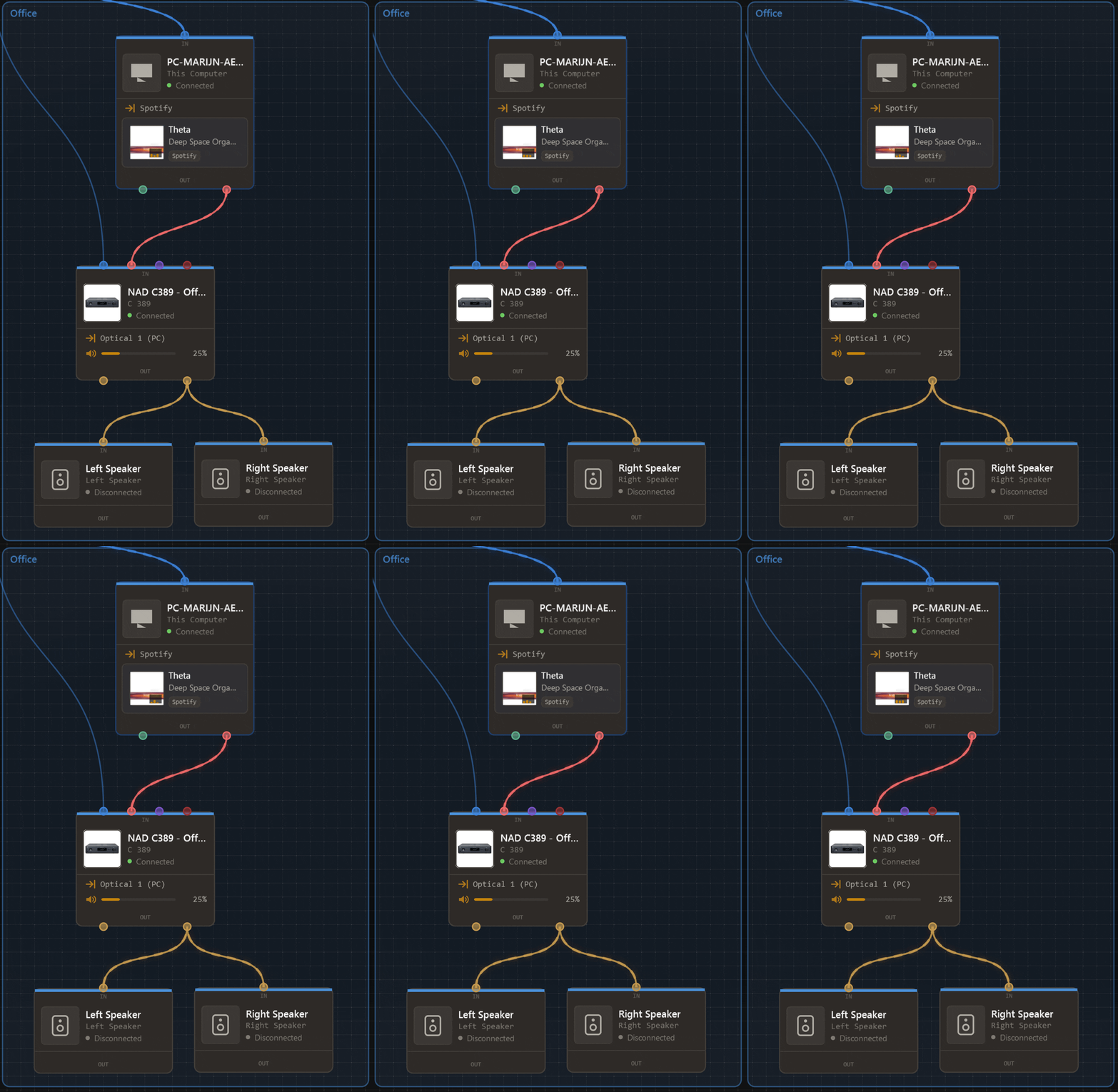
System Overview turns your setup into a live, pannable map. See every device and cable, follow what is playing, and control your system without leaving the canvas.

  • Map your devices, rooms, and physical connections
  • Watch the active signal path update as your music plays
  • Auto-detect equipment and network infrastructure
  • Control devices and multi-room groups from the canvas
Explore System Overview →
System Overview highlighting the live signal path from a computer through an amplifier to a pair of speakersLive signal path
System-wide hotkeys to control anything
Keyboard control

System-wide hotkeys to control anything

System-wide hotkeys for volume, input source, playback, and (Dirac) presets. Remap your multimedia keys. Works in any app, including games.

Presets to group settings and operations
Automation

Presets to group settings and operations

Group settings and operations from different devices into a single action. Assign a hotkey and switch your entire setup in one press. Works with Dirac profiles too.

Read more →
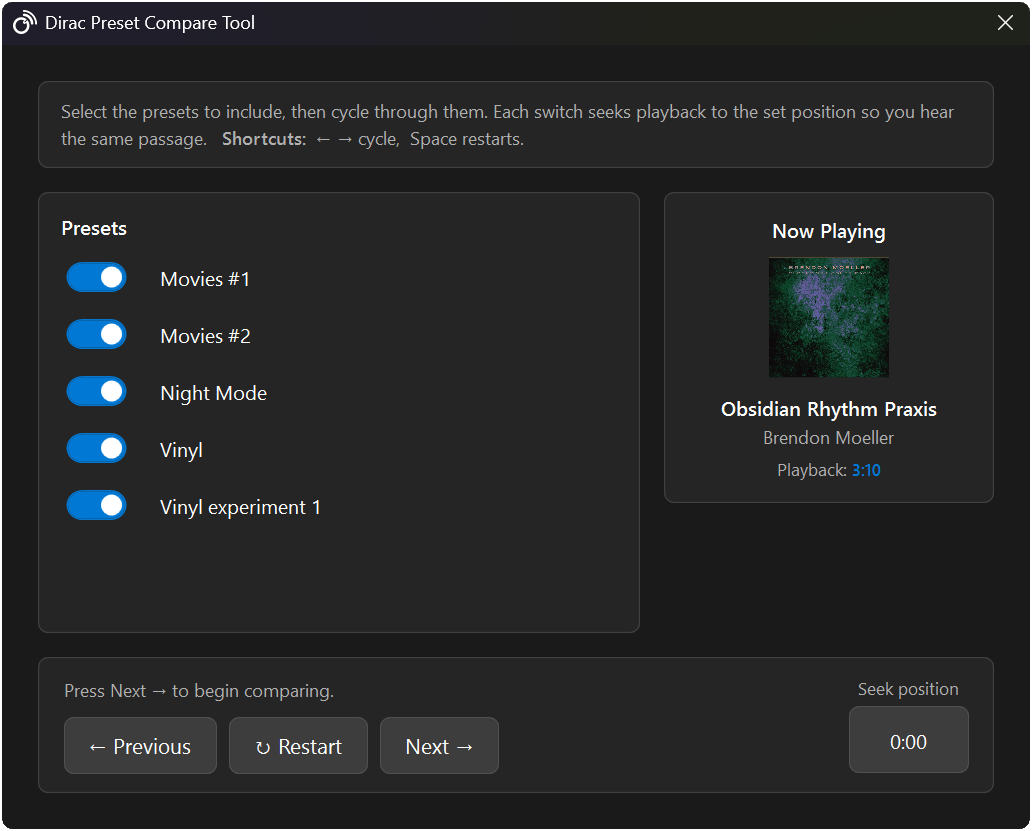
Dirac profile A/B testing
Room correction

Dirac profile A/B testing

Switch between Dirac profiles to compare sound quality using playback loops. Find the right setting for your room without guessing.

Read more →
Media Browser & Search
Music

Media Browser & Search

Browse and search your music library from your desktop, across every device and streaming service you use.

Read more →
One way to control multiple ecosystems
Compatibility

One way to control multiple ecosystems

Operate different devices in the same way, regardless of whether they run BluOS, HEOS, or MusicCast. Create presets that include devices from different ecosystems and control them with a single hotkey.

Read more →
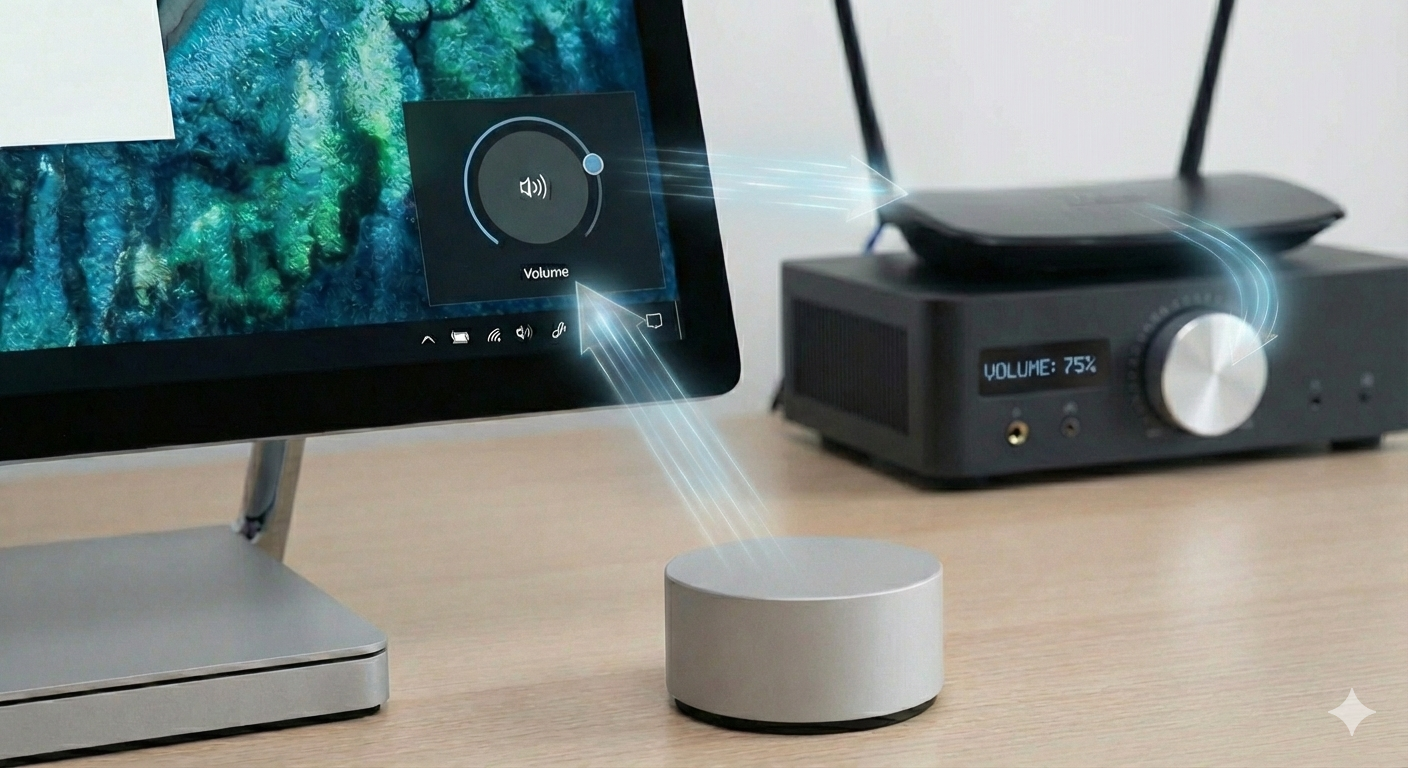
Microsoft Surface Dial support
Hardware

Microsoft Surface Dial support

Rotate the dial to adjust your amplifier volume with precision. No need to switch windows or reach for your keyboard.

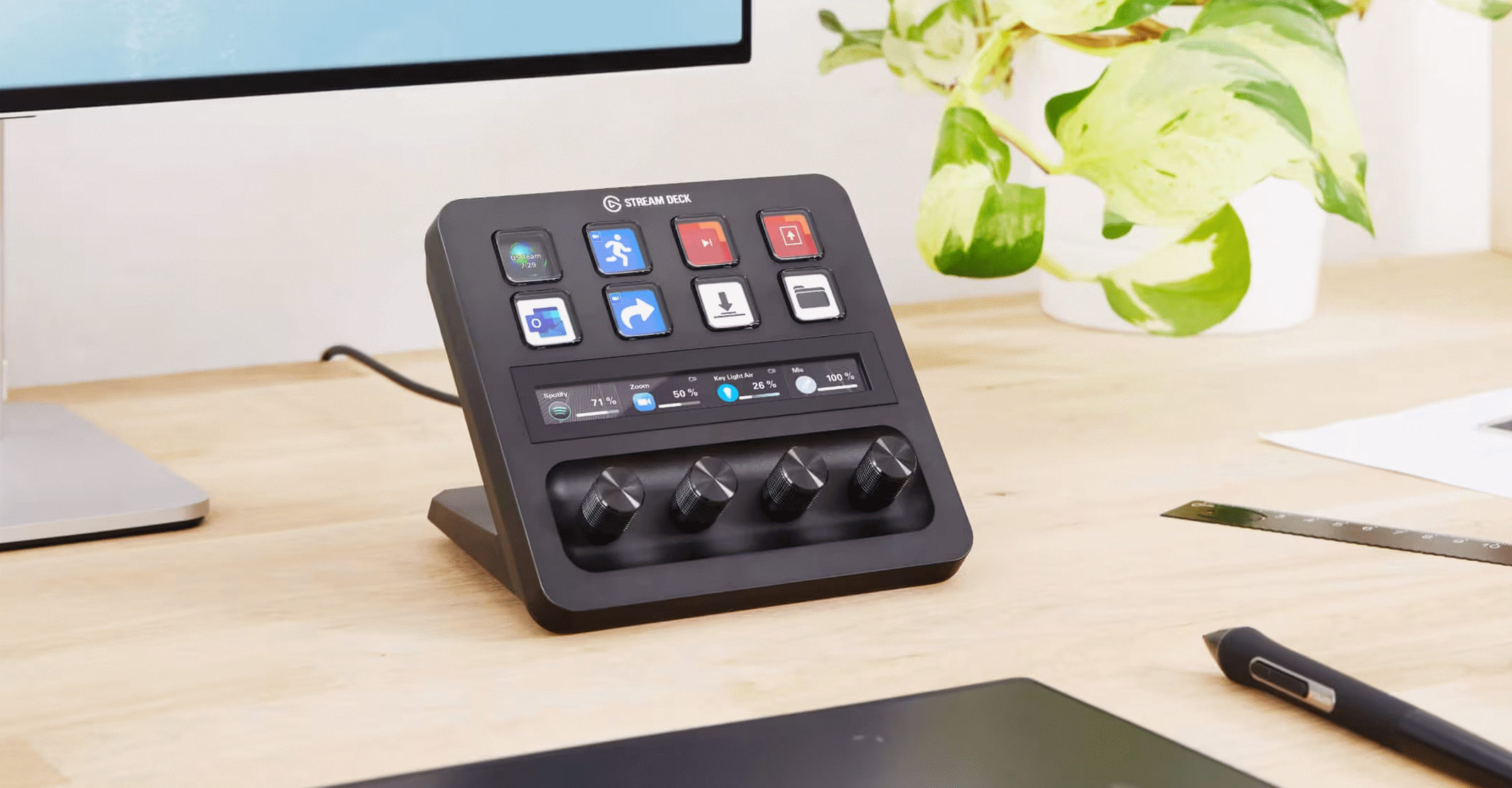
Elgato Stream Deck integration
Hardware

Elgato Stream Deck integration

Control your amplifier, player, and Dirac profiles from any Stream Deck device. Assign actions to physical buttons and dials without touching your keyboard.

Read more →Elgato Marketplace →
Tidal and Spotify integration
Streaming

Tidal and Spotify integration

Control playback, like the current song, and manage your streaming services through HiFi Control. Hotkeys for everything.

Volume overlay and System Tray
Always accessible

Volume overlay and System Tray

Easy access from the system tray and view status changes no matter what application is in the foreground. Even full-screen games!


There's more to explore...

ResourceWhat you'll find
BlogUpdates, feature walkthroughs, and examples.
Knowledge BaseSetup guides and help with using the app.
RoadmapPlanned features and recent progress.
PricingCompare editions, features, and prices.
Integrations

Multiple ecosystems,
one app

HiFiControl discovers and controls devices across all major networked audio platforms.

Full native control for Bluesound, NAD, DALI, Monitor Audio, Roksan, and Cyrus Audio devices.

NAD · Bluesound · DALI · Monitor Audio · Roksan · Cyrus Audio

Desktop control for Denon and Marantz receivers and wireless speakers.

Denon · Marantz

Volume, input, and playback control for Yamaha's networked audio devices.

Yamaha

Ready to take control?

v1.6.4 · October 8, 2026 · 65 MB · Windows 10/11

Download HiFi Control

Essentials is €14.99 once · 14-day trial · No card required

Pricing

Buy once. No subscription.

Everyday control for one hi-fi system. Try Essentials for 14 days without a card or account.

Essentials

Lifetime License

  • BluOS, HEOS, MusicCast, and Spotify
  • Media Keys, basic hotkeys, and volume overlay
  • Stream Deck core actions and Surface Dial
  • 1 saved hi-fi device and 3 presets
  • 2 personal PC activations
  • All HiFi Control v1.x updates

€14.99 once

No subscription. No renewal fees.

View Essentials

Activate online once, then use offline.

Need more devices or features?View other pricing plans