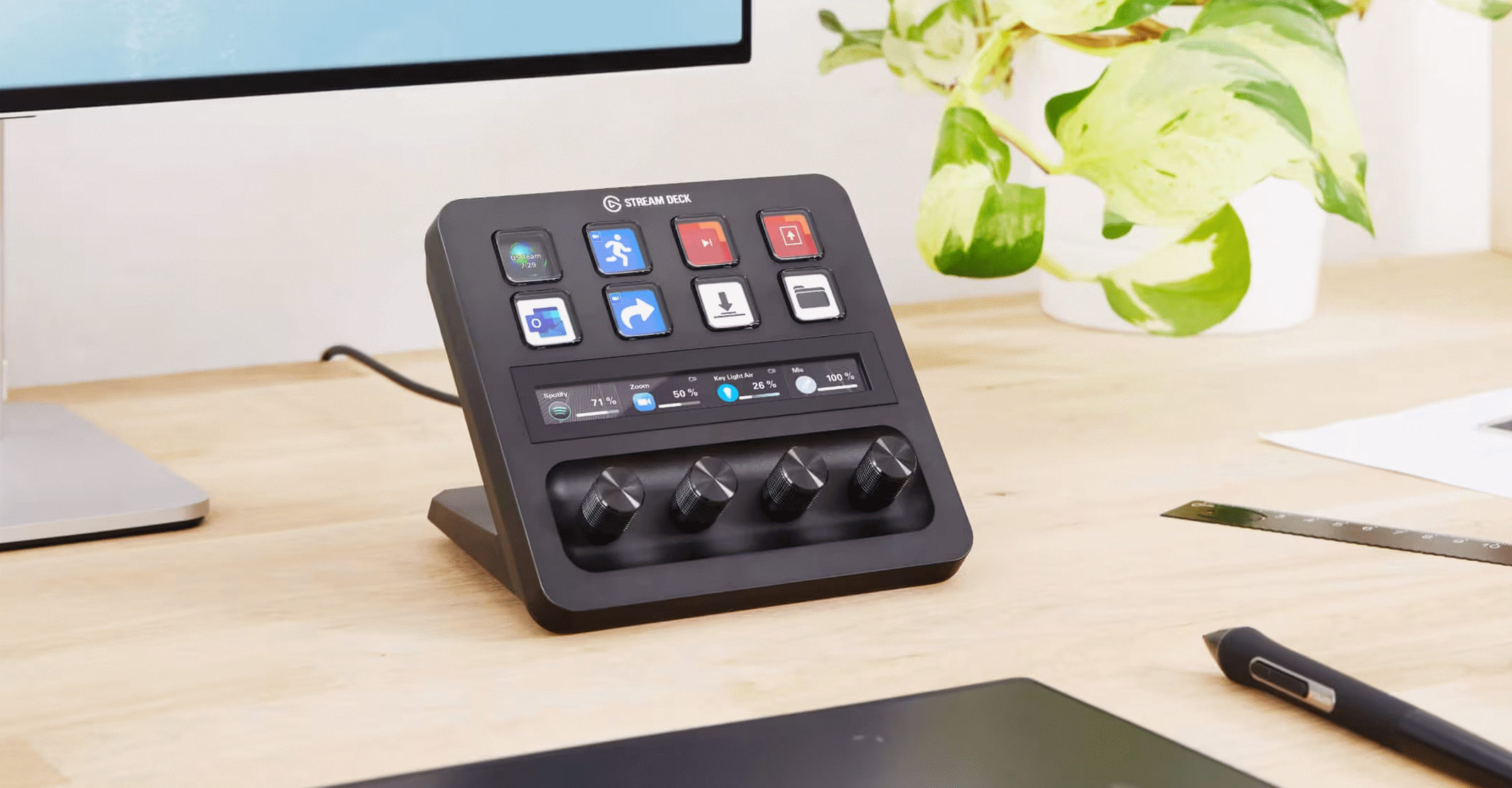
Version 1.5.0 is out and it introduces Stream Deck support.
Stream Deck integration
HiFi Control now supports Stream Deck devices! Control your amplifier, music player or Dirac Live directly from physical buttons and dials, without touching the main app window.
Install the plugin from the Elgato Marketplace, open the Stream Deck app, and you’ll find a HiFi Control category with actions you can drag onto any key or dial.
Available actions
| Action | Description | Essentials | Advanced |
|---|---|---|---|
| Bring to foreground | Opens the HiFi Control window | ✓ | ✓ |
| Volume up / down | Adjust volume on the active amplifier | ✓ | ✓ |
| Mute / Unmute | Toggle mute on the active amplifier | ✓ | ✓ |
| Play / Pause | Toggle playback on the active player | ✓ | ✓ |
| Next track | Skip to the next track | ✓ | ✓ |
| Previous track | Skip to the previous track | ✓ | ✓ |
| Now Playing | Show current track info on a key | ✓ | ✓ |
| Switch input (button) | Select a specific input source | ✓ | ✓ |
| Cycle inputs (dial) | Cycle through input sources with a Stream Deck+ dial | ✓ | ✓ |
| Execute preset | Run any HiFi Control preset | ✗ | ✓ |
| Dirac on / off | Toggle Dirac Live on or off | ✗ | ✓ |
| Cycle Dirac profiles | Step through Dirac Live profiles with a button | ✗ | ✓ |
| Select Dirac profile (dial) | Pick a Dirac Live profile using a Stream Deck+ dial | ✗ | ✓ |
Some actions lets you pick the target device independently, so a key row for the living-room amplifier and one for a separate streamer can happily coexist on the same profile.
Dynamic key display
Key titles update live: a volume key shows the current level, a mute key reflects the actual mute state, and a Now Playing key displays the track title and artist as they change. If HiFi Control is not running or the target device is unreachable, the key dims automatically.
Installing the plugin
- Open the Elgato Marketplace inside the Stream Deck app.
- Search for HiFi Control and click Open in Stream Deck.
- HiFi Control must be running for the plugin to communicate with your devices. It does not need to be visible, running in the system tray is enough.
Or, open HiFi Control plugin page in your browser and click the Open in Stream Deck button there.
The plugin works with all Stream Deck hardware models (Stream Deck, Stream Deck Mini, Stream Deck XL, Stream Deck+) and the Stream Deck mobile app.
Get HiFi Control
Download the latest version of HiFi Control.
Questions or ideas for additional Stream Deck actions? Let me know.